
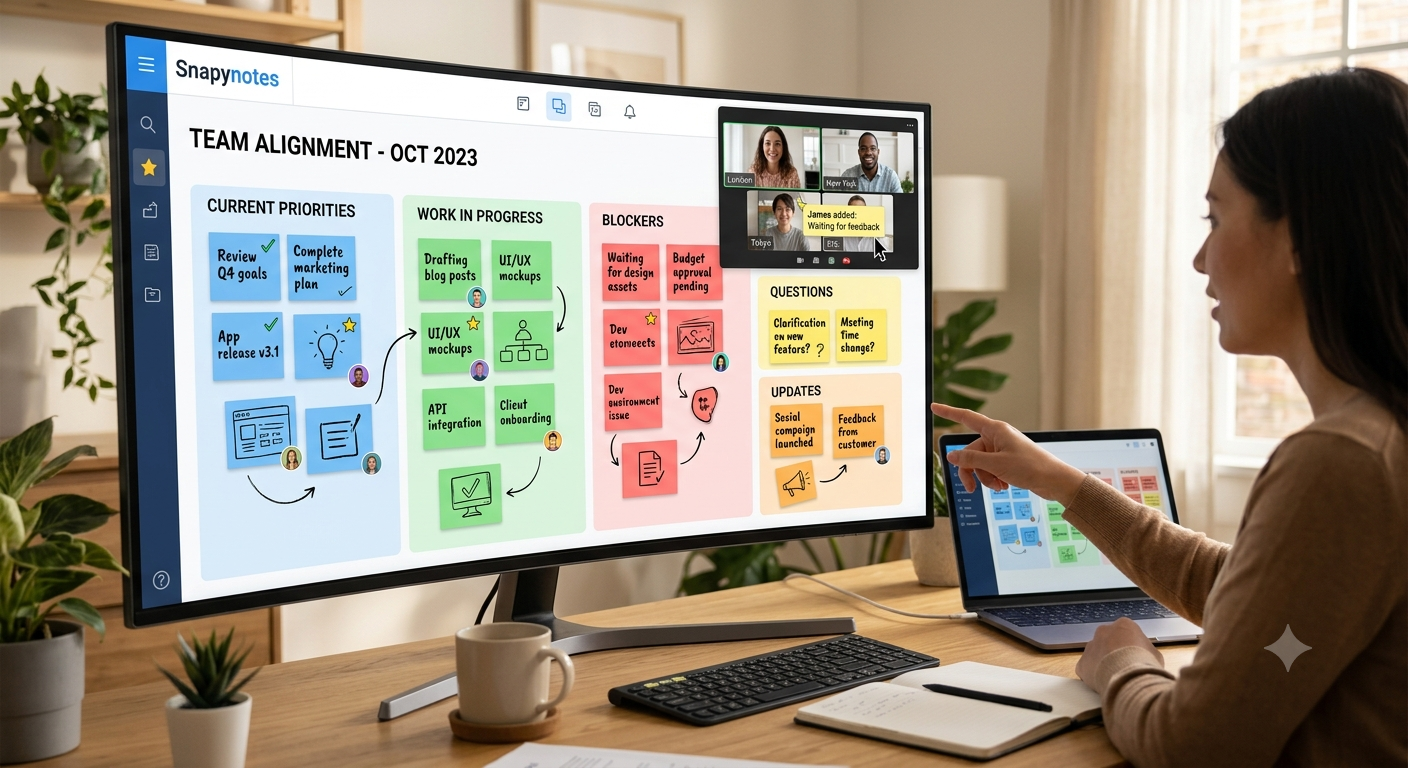

Keeping a distributed team aligned is not always about having more meetings. Sometimes, the real problem is that important information is scattered everywhere—inside chat messages, meeting notes, documents, personal notebooks, and email threads.
Shared sticky notes offer a much simpler way to bring ideas, priorities, questions, and updates into one visible space. Instead of asking everyone to remember what was discussed, teams can put the information where everyone can see it.
Here are five practical ways sticky notes for teams can make distributed work more organized and keep people moving in the same direction.
Want to try it yourself? Create a shared board with Snapynotes and give your team one simple place to capture ideas, updates, and priorities.
One of the hardest parts of distributed work is knowing what everyone else is working on.
When people sit in the same office, a quick conversation can solve this. You can walk over to a colleague, ask a question, or glance at a physical board.
Distributed teams don't have that luxury.
A developer might know that a feature is almost ready. The marketing team may not know about the change yet. A project manager might be waiting for an update that was already mentioned in another meeting.
This is where shared sticky notes can help.
A team can create simple notes for:
The goal isn't to document every detail of a project. It's to make the information people need most easy to see.
For example, a small product team could have three simple sections:
Working on now
Waiting for
Next up
At a glance, everyone gets a better understanding of where things stand.
Team chat is useful, but it isn't always a great place to store ideas.
Someone can share a useful suggestion in the middle of a busy conversation. A few hours later, dozens of new messages may have pushed it out of sight.
The same thing happens with email.
You might remember that someone suggested an interesting idea during Tuesday's meeting, but finding the exact message later can take longer than it should.
Shared sticky notes give those ideas a place to stay visible.
Instead of leaving an idea buried in conversation, move it onto the team's shared board.
For example:
Idea: Create a shorter onboarding checklist
Why: New users are missing the first important steps
Next step: Review with the product team
The note doesn't need to become a full project document. It simply keeps the idea visible until the team decides what to do with it.
This is one of the biggest advantages of a sticky note collaboration system: the team can see the thinking behind the work, not just the final result.
Distributed teams can easily end up with different ideas about what matters most.
The product manager thinks Feature A is the priority.
The designer is working on Feature B.
The marketing team is preparing something related to Feature C.
Everyone is busy, but the work isn't necessarily moving in the same direction.
A shared sticky-note board can make priorities much more obvious.
Try using simple labels such as:
High Priority
Needs attention this week.
In Progress
Someone is actively working on it.
Waiting
Blocked by another person or decision.
Later
Useful, but not urgent.
You can also use colors or labels to separate projects, departments, or types of work.
The important part is to agree on what those colors or labels mean before the team starts using them.
That small bit of consistency can prevent a board from becoming another source of confusion.
And don't overdo it. If you have ten different colors with ten different meanings, people will spend more time decoding the board than using it.
Not everyone on a distributed team works at the same time.
One person may start their day just as another person is finishing theirs. Scheduling every conversation around everyone's availability can quickly become exhausting.
This is where shared sticky notes can support asynchronous work.
Instead of waiting for the next team meeting, someone can leave an update directly on the shared board.
For example:
"Homepage copy is ready for review."
A teammate can see it later and add:
"Reviewed. I have two changes."
Another person can then pick up the conversation when they are online.
This doesn't mean every discussion should happen through sticky notes. Some topics still need a call or a proper conversation.
But for quick updates, questions, ideas, and simple decisions, a shared visual space can reduce unnecessary back-and-forth.
It also gives people a chance to contribute when they are actually available rather than forcing every task into a meeting.
A meeting can be productive and still be forgotten.
We've all experienced the situation:
"Wait, what did we decide about that?"
Then someone searches through old messages, checks their notes, or asks another teammate.
Shared sticky notes can provide a simple visual record of the discussion.
After a planning session, for example, your board might contain:
Decision
Launch the new landing page next month.
Open Question
Do we need additional customer interviews?
Action
Sam will review the analytics.
Follow-up
Marketing will prepare the launch checklist.
Now the conversation has somewhere to live after the meeting ends.
This is especially useful for distributed teams because not everyone may have been in the same meeting—or even in the same time zone.
A shared board won't replace proper documentation for important decisions, but it can make the team's day-to-day context much easier to follow.
There is one important catch: a shared board can become messy very quickly if nobody maintains it.
You don't need a complicated system. A few simple habits are enough.
Keep notes short.
One note should usually communicate one idea, task, question, or update.
Use consistent labels.
If "Waiting" means blocked work, don't use it for general ideas.
Remove or archive outdated notes.
A board filled with six-month-old tasks stops being useful.
Review the board regularly.
Spend a few minutes each week cleaning up old information.
Don't try to replace every tool.
Use shared sticky notes for information that benefits from being visible and easy to rearrange. Keep detailed project records where they belong.
The best sticky notes for teams are not the ones with the most information. They're the ones that make the right information easier to see.
Imagine a five-person marketing team working from different locations.
On Monday morning, everyone adds a few notes to a shared board:
This Week
Then someone adds a blocker:
Waiting: Product team needs to confirm the feature details.
Later that day, the product manager sees the note and adds:
Update: Feature details confirmed.
The marketing team can continue without another meeting just to exchange that one piece of information.
At the end of the week, the team can move completed notes aside, keep important ideas for later, and start the next week with a cleaner picture of what needs attention.
It's a small workflow, but small workflows are often what make distributed work feel less scattered.
You don't need an elaborate collaboration system to start using shared sticky notes.
Snapynotes lets teams create digital sticky notes, organize them with colors and labels, and share them through a simple link. It works across desktop, mobile, and tablet, so team members can access the shared workspace from different devices.
For a distributed team, you could use Snapynotes to create a simple shared space for:
If your team is new to digital sticky notes, you can also read our guide on How Digital Sticky Notes Improve Office Productivity for more ways to use them in everyday work.
For broader ideas about online sticky-note tools, see our guide to the best online sticky note applications.
Shared sticky notes are digital notes that can be placed in a common online workspace so multiple people can view and contribute to the same collection of ideas, tasks, or updates.
They give teams a visual way to capture information, organize priorities, share ideas, and keep important updates visible instead of leaving everything scattered across chats and documents.
Yes. Sticky notes for teams can be particularly useful when people work from different locations because everyone can contribute to a shared visual workspace without needing to be in the same physical room.
Yes. Team members can add ideas, questions, or updates at different times, which makes shared sticky notes useful for distributed teams working across different schedules and time zones.
Start with information your team regularly needs to see: priorities, tasks, blockers, ideas, questions, decisions, and follow-up items. Keep each note short and specific.
Keeping a distributed team aligned doesn't always require another meeting or another complicated project-management system.
Sometimes, the simplest solution is to make important information visible.
Shared sticky notes give teams a lightweight way to put ideas, priorities, questions, and updates in the same place. They help people understand what's happening, contribute when they have time, and pick up where someone else left off.
The trick is not to fill the board with everything.
Keep it simple. Keep it current. And make sure the notes actually help the team answer one basic question:
"What do we need to know to keep moving forward?"
That's when sticky notes stop being just notes and become a useful part of how a distributed team works.