
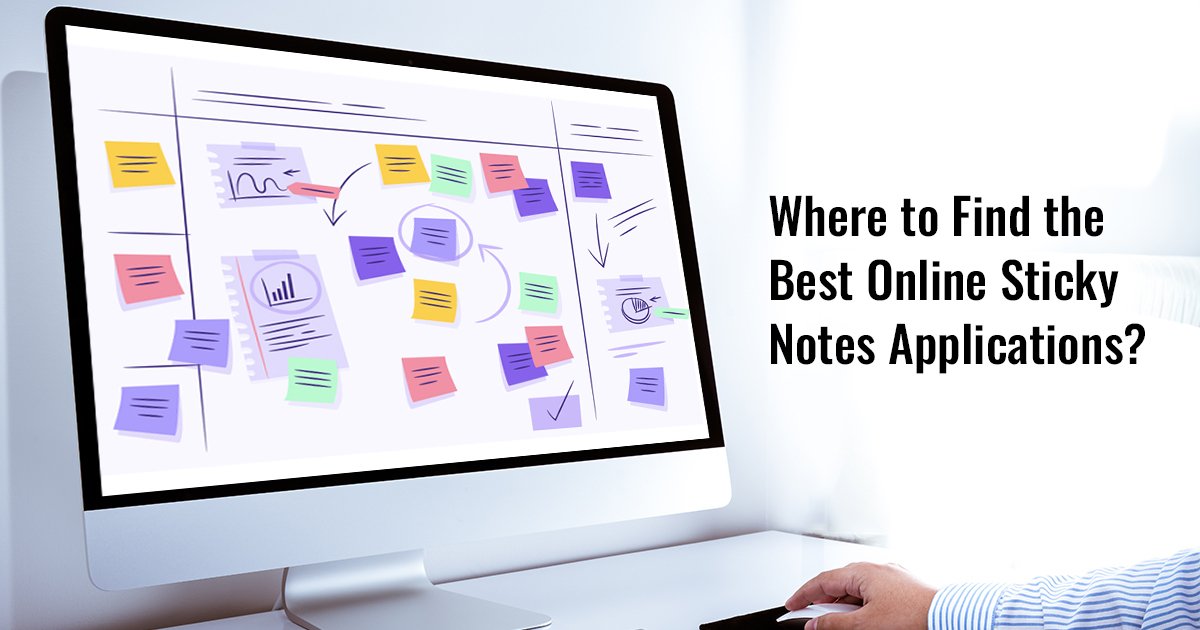
In today's fast-paced world, staying organized is crucial. From managing school assignments to coordinating remote team projects, digital sticky notes are transforming the way we plan and execute tasks. If you’re a student, professional, or remote worker seeking effective organization tools, this guide will help you discover the best online sticky notes applications tailored to your needs.
Traditional sticky notes have long been a staple on desks and office boards. However, physical notes can easily get lost, clutter your workspace, and lack collaboration features. Virtual sticky notes offer a modern solution that addresses these challenges. With digital alternatives, you can:
Whether you’re a student managing multiple assignments or a professional handling projects, sticky note apps can significantly enhance productivity and organization.
Not all online note-taking tools are created equal. When choosing the best online sticky notes, consider the following features:
Choosing the right combination of these features ensures you maximize the benefits of digital productivity tools.
Here’s a curated list of some of the best online sticky notes apps available today:
Snapynotes is one of the leading sticky note apps designed for both students and professionals. Its key features include:
Snapynotes is perfect for anyone looking to replace physical sticky notes with an efficient digital alternative.
Microsoft OneNote is a versatile online note-taking tool ideal for students and corporate users. It offers:
With OneNote, you can manage both personal notes and professional tasks efficiently.
Google Keep provides a simple yet powerful platform for virtual sticky notes. Features include:
It’s perfect for those who prefer cloud-based solutions with seamless syncing.
Trello is primarily a project management tool but excels in digital sticky notes functionality through its card system. It offers:
Trello is ideal for professionals handling complex projects requiring structured online note-taking tools.
Zoho’s Sticky Notes app provides an interactive interface for digital sticky notes. Key benefits include:
Zoho Sticky Notes is perfect for both personal organization and team collaboration.
Switching from physical to digital sticky notes offers multiple advantages:
By adopting virtual sticky notes, you can streamline workflow, improve task management, and boost productivity.
To get the most out of your digital productivity tools, follow these tips:
Following these practices ensures that your sticky note apps become a powerful productivity companion.
Online sticky notes aren’t just for a single type of user. They benefit:
With the right online note-taking tools, anyone can transform chaotic workflows into structured, efficient routines.
Many users wonder whether free apps are sufficient. Free apps like Free Online Sticky Notes provide essential features suitable for students and small teams. Paid apps often offer advanced functionality such as enhanced collaboration, integrations, and premium support. Evaluating your needs will help you choose between free or premium versions of sticky note apps.
The era of digital sticky notes is here. Whether you’re a student juggling assignments, a professional managing projects, or part of a remote team, virtual sticky notes can enhance organization, productivity, and collaboration. Tools like Snapynotes, Microsoft OneNote, Google Keep, Trello, and Zoho Sticky Notes offer a range of options to suit various needs.
By integrating online note-taking tools into your workflow, you can effectively replace physical notes, reduce clutter, and stay on top of your tasks effortlessly. Start exploring these best online sticky notes today and experience a smarter, more organized way to work and study.